As of May 2026, the MySideius app will permanently replace the Reserved Area for downloading reports.
The Reserved Area will be discontinued and it will be possible to download test results from the App only. We encourage you to download MySideius as soon as possible.
New MySideius App Access your reports whenever you want, wherever you want
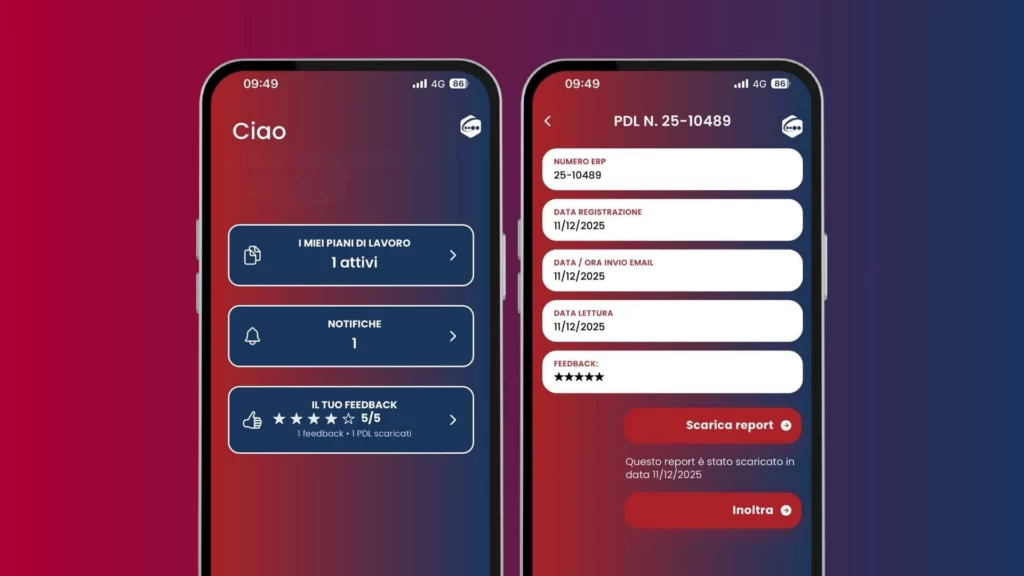
MySideius, the new application for Android and IOS systems that allows you to consult and download digitally signed work plan reports directly from your smartphone, is now available. The App was created with the aim of making it easier and more immediate to access the results, without having to enter the reserved web area each time. You no longer have to wait to be at your desk: receive a notification the moment a work plan (PDL) is published and consult the technical reports in total mobility.
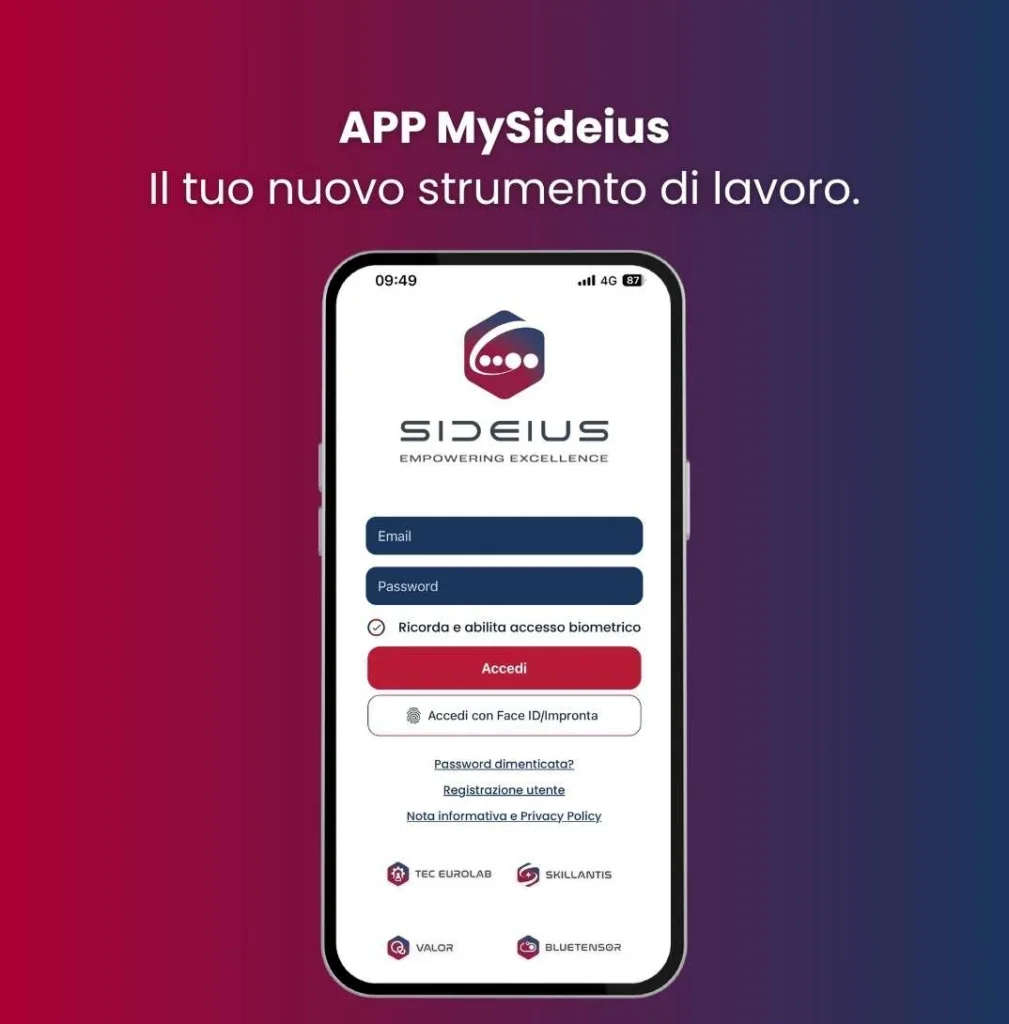
Quick and secure access: enter your storage via biometric authentication (Face ID or fingerprint).
Always available archive: access all reports published in the past 12 months, organized for quick reference.
Easy search: find your documents in seconds by filtering by job entry date, our work plan number, your DDT number or your Purchase Order (PO).
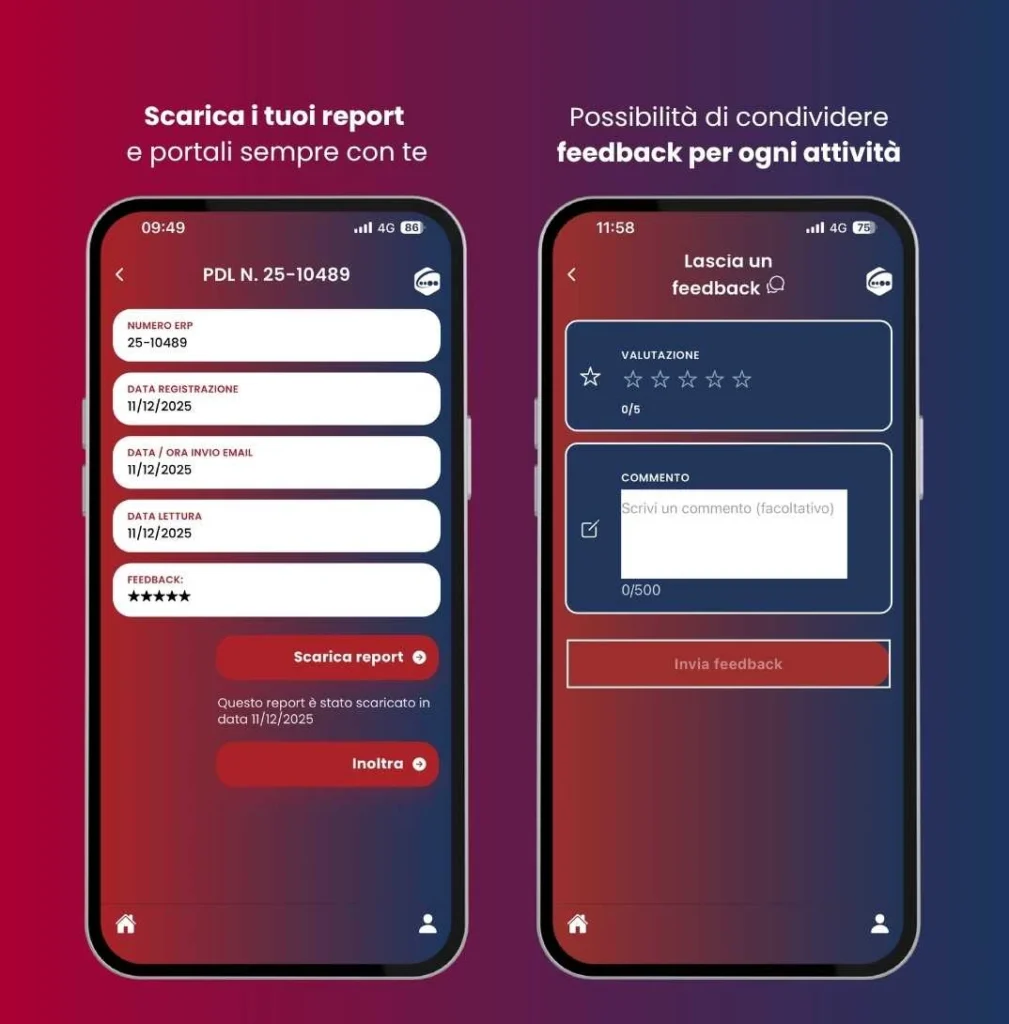
Downloading and sharing: download official reports to your device or forward them directly to your colleagues via system functions.
Real-time notifications: stay updated on the availability of new reports as soon as they are uploaded.
Technical feedback: rate the service received and include specific comments for each completed task.
Who can register?
All customers who received at least one work plan in 2025 can download and use the app.
Face ID or fingerprint can be enabled to facilitate later logins.
Activity recipients will continue to receive email notification of report availability.
How to download and activate the app
Access your device’s store
Search for MySideius and download the app
Enter the e-mail address to which you receive certificates
Request PIN
Enter the PIN you received via email and create a personal password
The password is personal and not in our possession. In future confirmation mailings with expiration date and certificate download, references to the reserved area will be replaced with MySideius login details.
Download MySideius now, available on all mobile devices